
Release Notes – July 2026
Last updated
What's new in Business Radar in July 2026.
Compliance settings
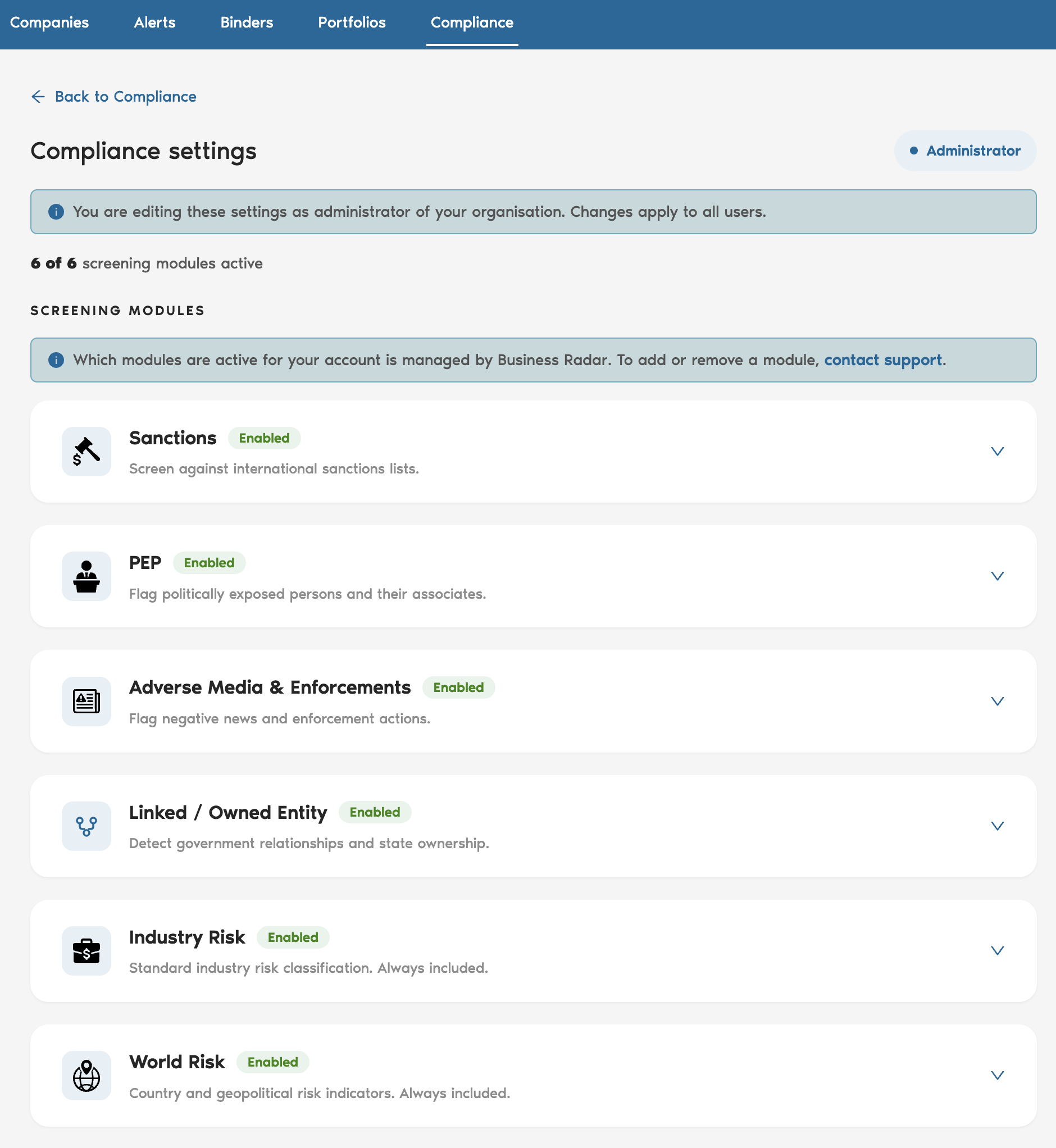
A new compliance settings element is now available, allowing you to configure your global compliance preferences directly in the interface. Options include hiding AI false positives from your review, excluding specific sanction lists from screenings, and disabling partial name matches for persons, requiring a full last name match for PEP hits. Click on compliance and then settings to see the view below:
Compliance monitoring updates via API
You can now tailor compliance monitoring notifications per entity type, specifically for sanctions and adverse media. This is available through the API, giving you more flexibility to integrate monitoring signals into your own workflows. Previously this setting was enabled automatically without the ability to customise it per entity.
If you would like to leave feedback for the team, just follow the link: Business Radar Feedback