
Release Notes – September 2026
Last updated
What's new in Business Radar in September 2026.
Enforcement data separated from sanctions
Enforcement actions — such as regulatory fines, debarments and other official measures — are now shown as their own category in compliance screening, separate from sanctions. This makes it easier to see at a glance whether a hit is a formal sanction or an enforcement action, and to review each accordingly.

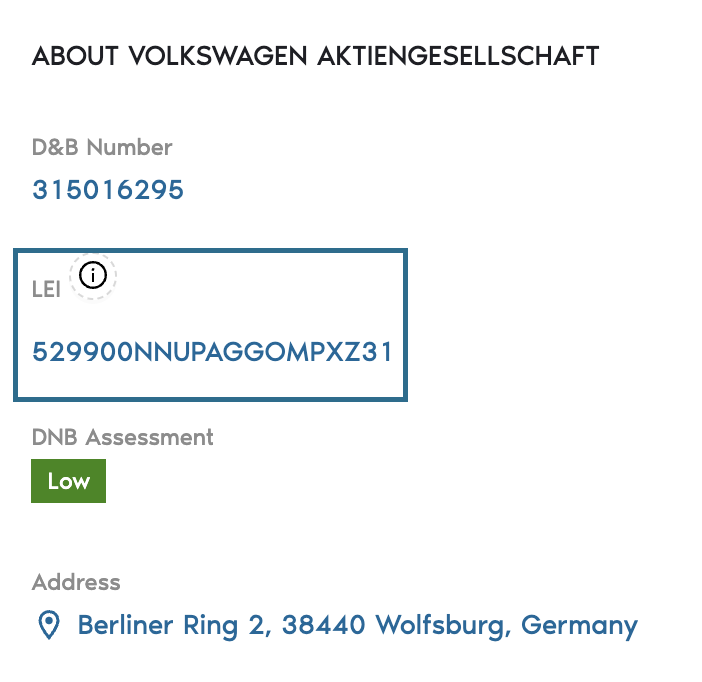
LEI shown for companies
Business Radar now maps DUNS numbers to the Legal Entity Identifier (LEI). Where available, the LEI is displayed on the company page, giving you an additional globally recognised identifier for the entity.
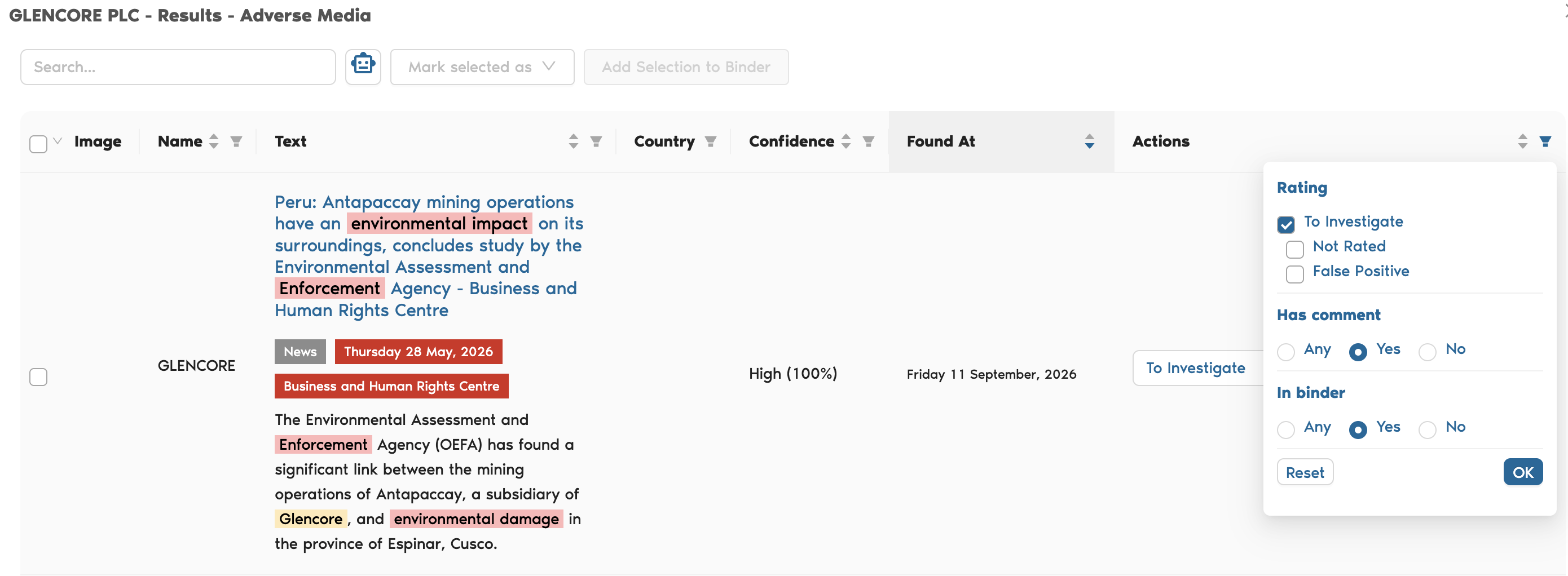
Filter compliance results by notes and binder status
The compliance overview can now be filtered on whether a result has notes and on its binder status, so you can quickly find the screenings that still need attention or that have already been discussed by your team.
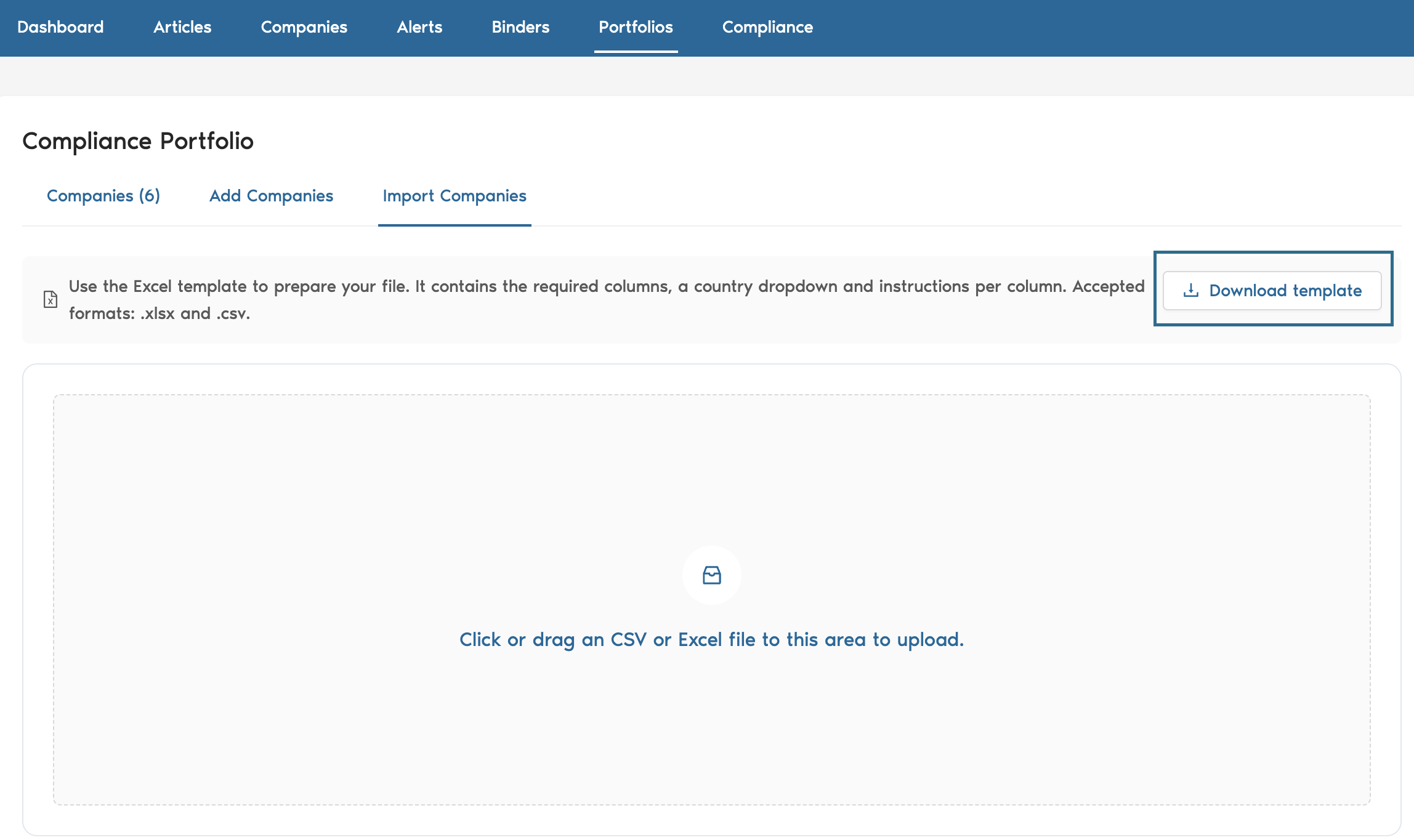
Portfolio upload template
When uploading a portfolio you can now download an Excel template with the expected columns. Column headers in your own files are also recognised automatically, so uploads work even when your headers differ slightly from the template.
Materiality based on company role
The materiality flag now takes into account the role the company plays in an article — for example whether it is the main subject or only mentioned in passing. The reasoning behind the materiality assessment is shown with the article, so you can see why an event was judged material.
Ticker symbol and listing filter in the company search API
The v3 company search API now returns the ticker symbol for listed companies and supports an "is listed" filter, making it easier to find and work with publicly traded entities.
Listing source in the compliance API
Compliance results in the API now include the source of each listing (for example the sanctions list or registry it originates from), giving you more context when integrating screening results into your own workflows.
If you would like to leave feedback for the team, just follow the link: Business Radar Feedback