
Release Notes – March 2026
Last updated
What's new in Business Radar in March 2026.
Notes on compliance results
Users can now add notes to compliance results, which will be shown in the audit trail.
Other Business Radar users within your organisation can be mentioned using the @ symbol and tagging their email addresses. The tagged person will receive an email including the note.
To add a note, open a compliance check result and find the note icon on the right side.
Compliance screening company selector
When adding an entity to a compliance screening, a company can be selected using the +Entity button. Companies can be allocated by name and trade name.
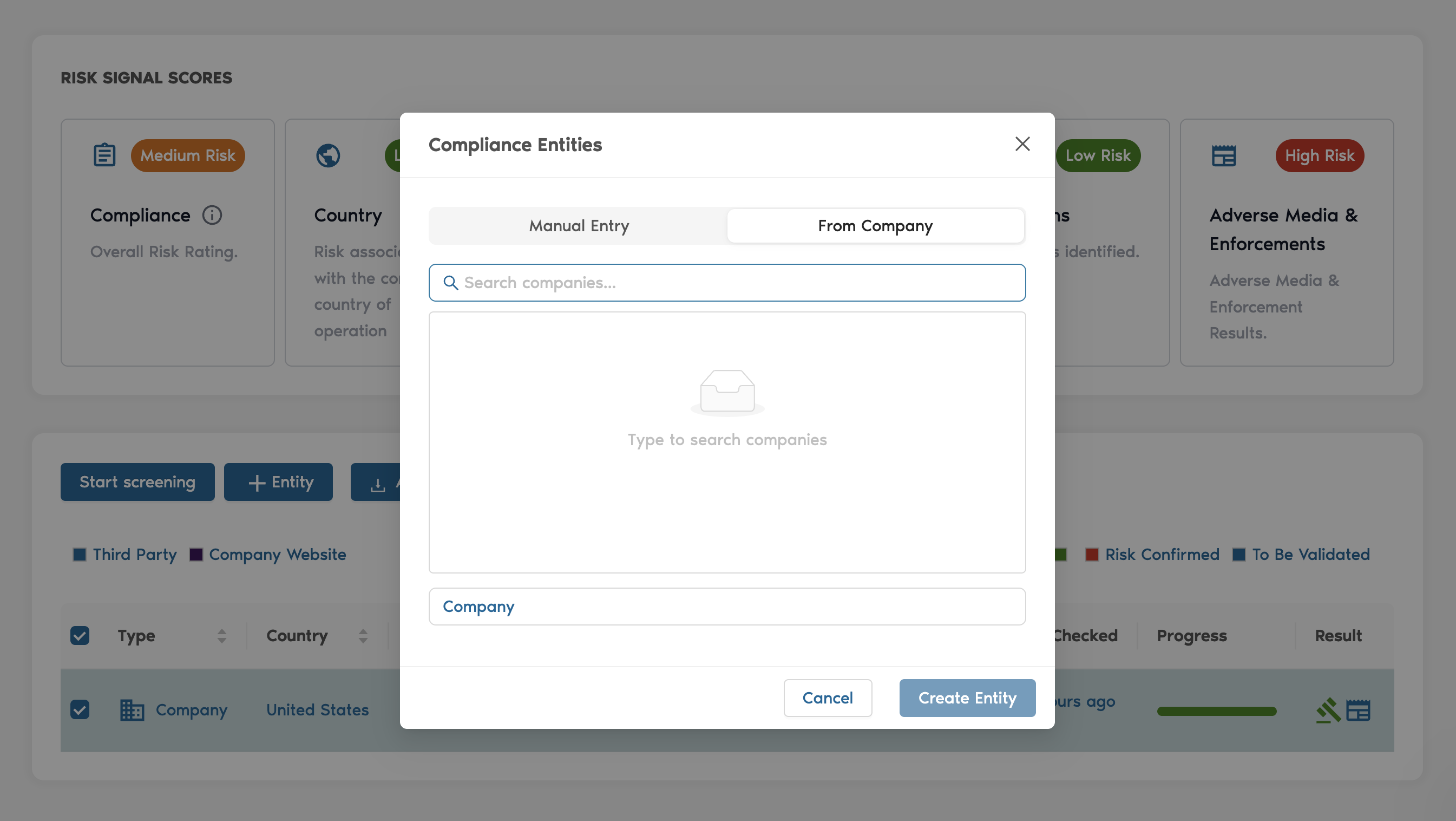
Individual compliance screening
Entities without a direct company affiliation can be screened using the compliance tab. Click on 'New compliance check' and add the entity with additional information such as country and role. After creating the entity, the compliance screening can be started. The screening will be listed in the compliance overview.
Compliance screening overview
A new compliance overview has been added to Business Radar. In this tab, you can see all screenings performed within your organisation. The overview includes the results and an indicator of the review status per screening.
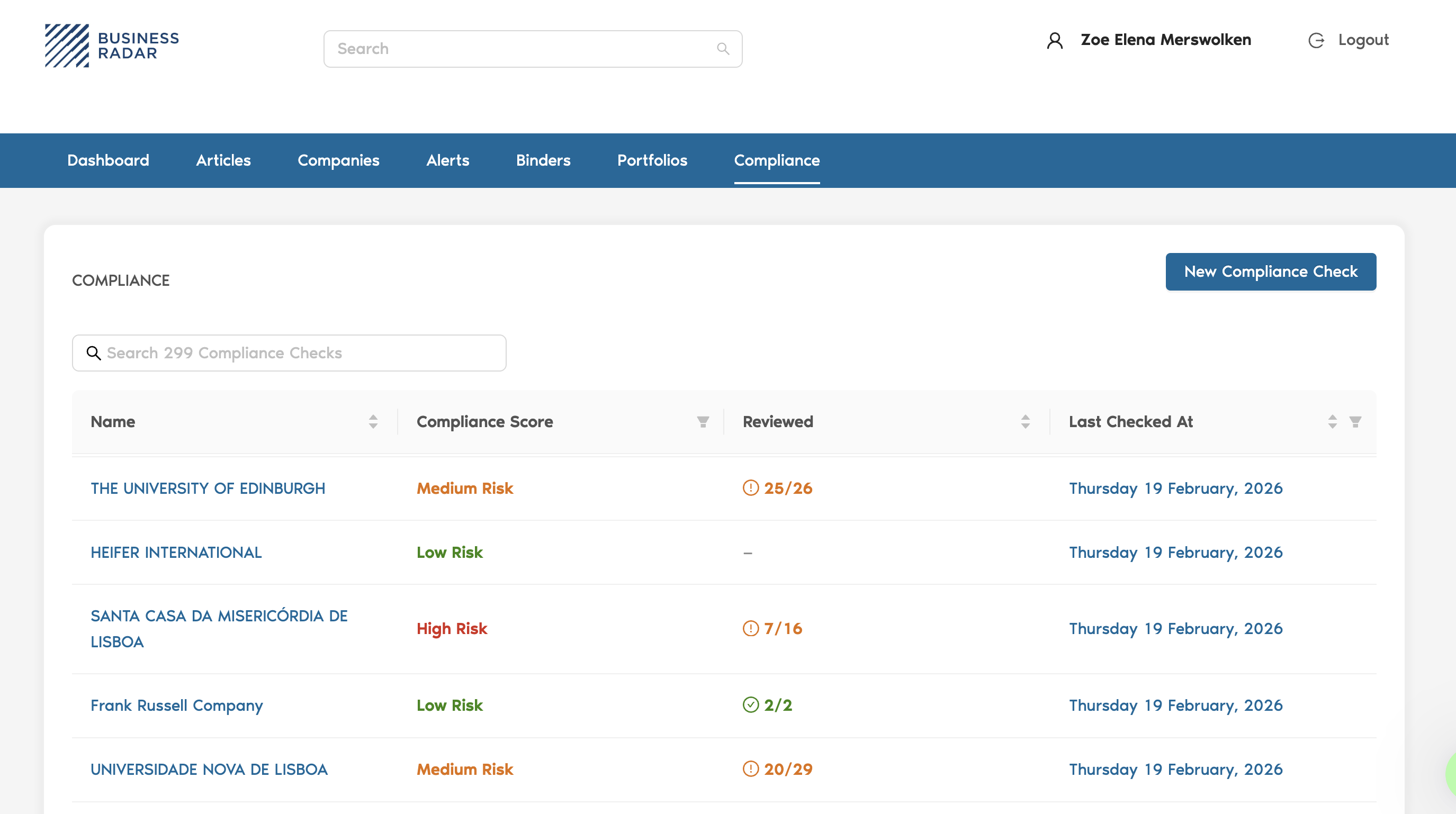
Additionally, new compliance checks can be issued from this page instead of visiting a company page for the compliance screening.
If you would like to leave feedback for the team, just follow the link: Business Radar Feedback